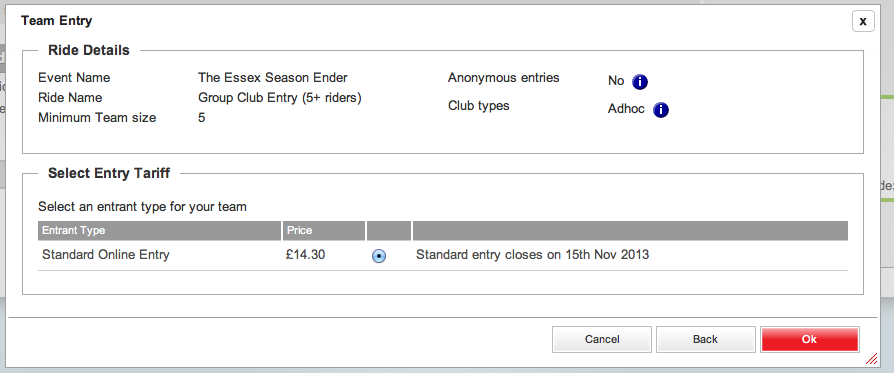
Some people (us included) have found the online sign up for the Group/Club ride a little confusing.
Thats why we’ve put together this step by step tutorial to try and make the process easier.
- Select Group entry.
- Add a Team name.
- Then add the name of each member of the team, hit the “Add Team Member” button after each until at least 5 are added.
- Click next.
- Add the first riders details and then click submit.
- Click back on the next page – this will take you back to the first page you filled in.
- Click next again.
- Now fill in the next riders details.
- Continue to do this until you have entered the details of every rider.
- Once all members have been entered, the team entry page with the price will show – press OK.
- The payment page will appear.
- You’re Entered!